2025 iPad Pro vs. Android Tablets: Who is the King of Efficient Office Work?
iPad & tabletsIn my daily work, tablets have gradually become my go-to tool for efficient office tasks. With continuous technological advancements, the capabilities of tablets are getting more powerful, and the competition between the iPad Pro and Android tablets has become increasingly fierce. In 2025, both Apple and Android have released the latest tablet models, bringing impressive performance upgrades. So, which one, the iPad Pro or the Android tablet, is the best choice for efficient office work? Today, I will compare these two tablets across multiple aspects to help you make the most suitable choice.
1. Hardware Configuration: Which One Has Stronger Performance?
iPad Pro 2025 Version
The 2025 iPad Pro is equipped with the new M3 chip, a powerful processor developed by Apple that continues the high performance and low power consumption characteristics of the M series. With the M3 chip, the multitasking ability of the iPad Pro has been greatly improved, enabling it to handle more complex work scenarios. Whether it’s running multiple office apps at once or performing tasks like graphic processing and video editing, the iPad Pro can easily handle them. Additionally, the 2025 iPad Pro has upgraded its display technology with a 12.9-inch Liquid Retina XDR display, which enhances brightness and color accuracy, offering a significant improvement in visual experience.
Android Tablet 2025 Version
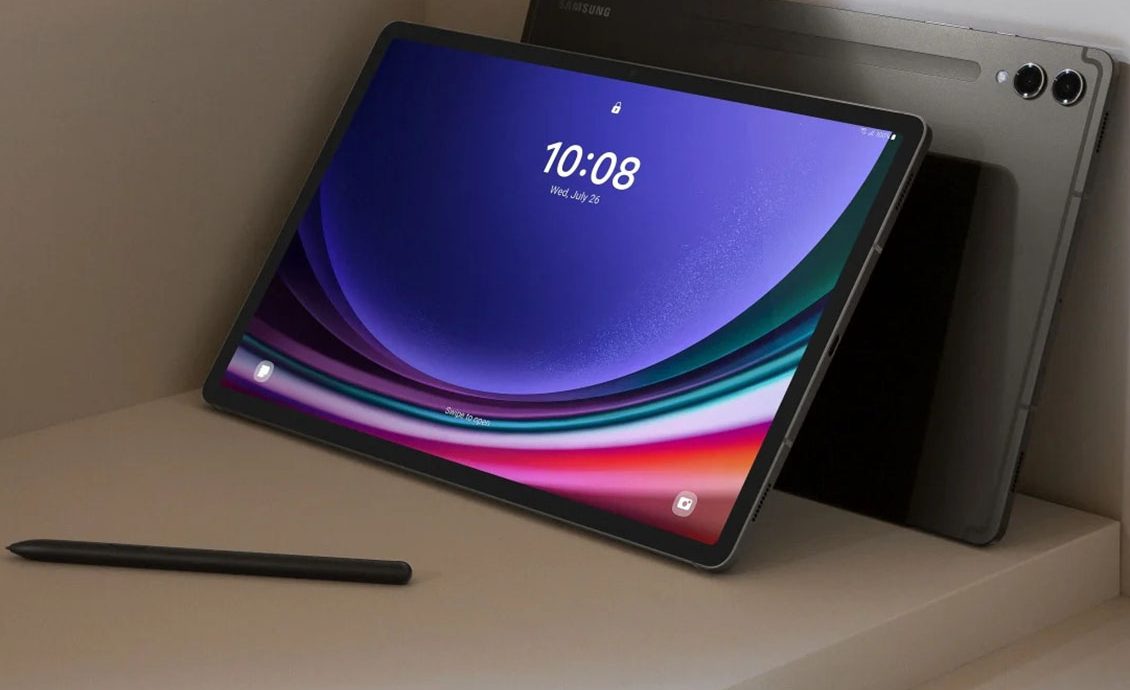
The leader in the Android tablet category is Samsung’s Galaxy Tab S9+, which comes with the latest Snapdragon 8 Gen 3 for Galaxy processor in 2025. This chip delivers impressive performance, particularly in multitasking and gaming scenarios. Additionally, the Galaxy Tab S9+ is equipped with a 12.4-inch Super AMOLED display, offering vivid colors and high contrast, providing an excellent visual experience for document viewing and video watching. Although its performance is comparable to the iPad Pro, it remains to be seen how it fares in terms of efficient office work.
2. Operating System and Software Experience
iPad Pro: The Advantages of iPadOS
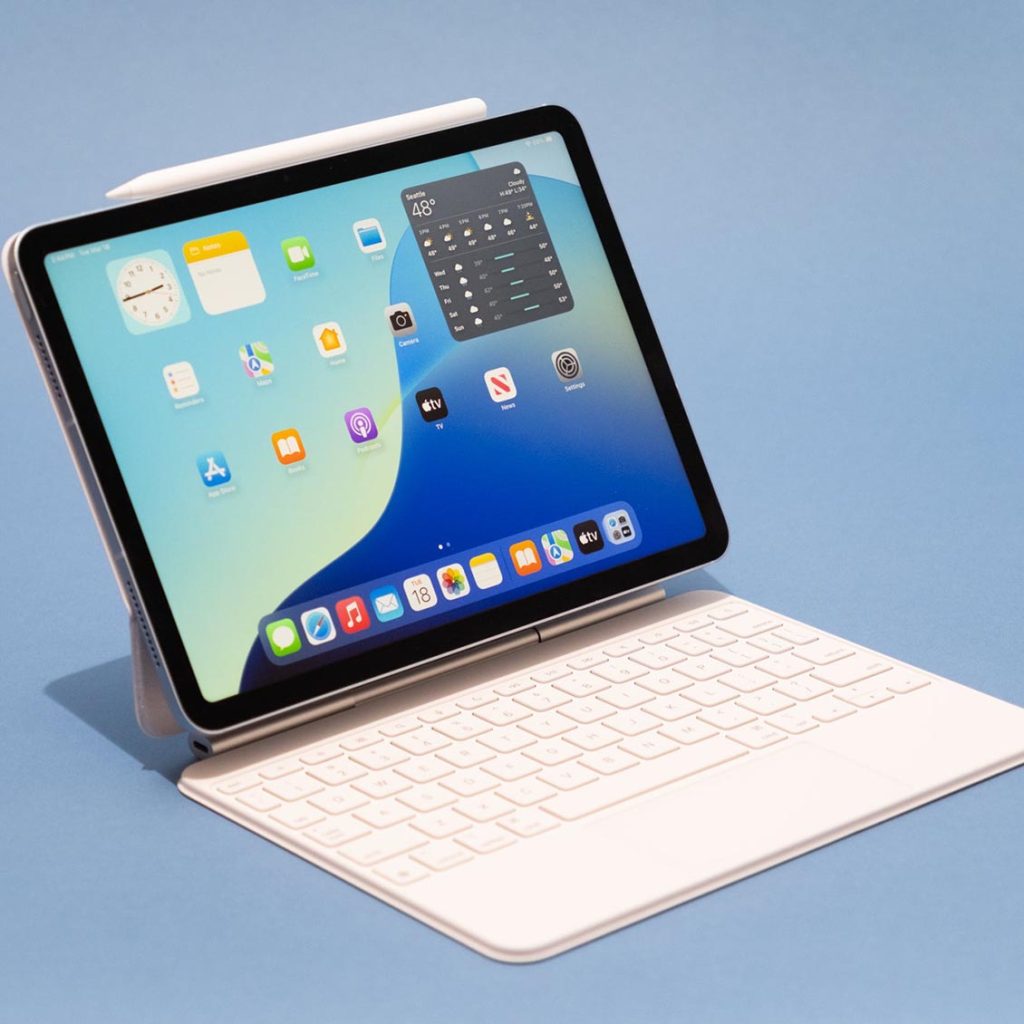
The iPad Pro runs on iPadOS, Apple’s operating system designed specifically for tablets. The 2025 version of iPadOS has made significant improvements in multitasking, file management, and app support. For example, iPadOS 17 supports more windowed operations, allowing me to run multiple apps on the same screen, even supporting drag-and-drop of files and images, which greatly improves productivity. Additionally, iPadOS has a strong ecosystem of office software, including Microsoft Office, Google Workspace, Adobe Creative Cloud, and many other major office suites, with almost no functional limitations.
Android Tablet: The Openness of Android 15
The Android tablets run on the Android 15 operating system, and while Android’s openness offers more freedom, the experience on tablets typically lacks the smoothness and finesse of iPadOS. Android 15, released in 2025, has made many optimizations for multitasking, supporting floating windows and split-screen operations, making it easier to use multiple apps simultaneously. However, compared to iPadOS, Android still falls short in file management and professional software adaptation, especially in deep integration with office software.
3. Input Methods and Accessory Support
iPad Pro: Magic Keyboard and Apple Pencil
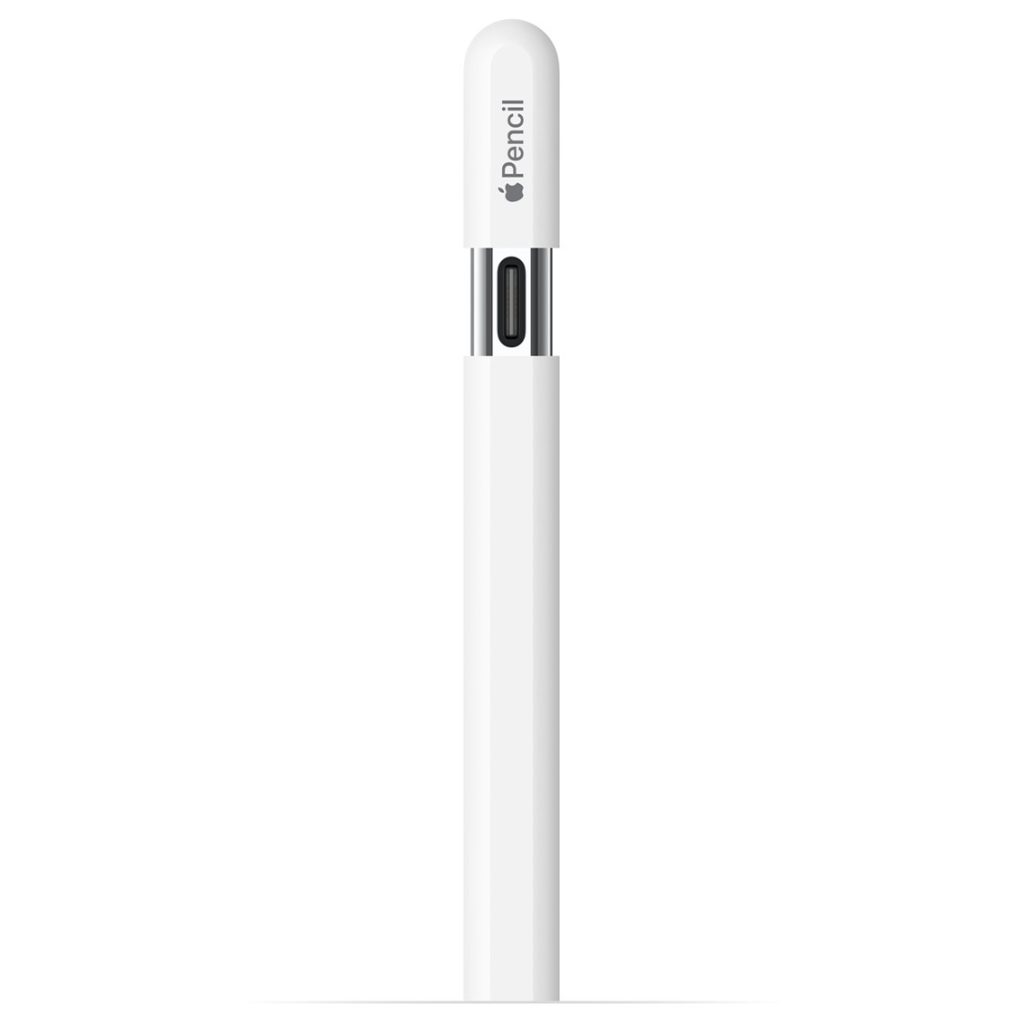
One of the strengths of the iPad Pro is its excellent accessory support, especially the seamless compatibility with the Magic Keyboard and Apple Pencil. The Magic Keyboard not only offers a comfortable typing experience but also supports mouse and trackpad functionality, making the iPad Pro’s office experience closer to that of a traditional laptop. The Apple Pencil is an outstanding handwriting tool, providing a smooth experience whether for taking notes, drawing, or annotating documents.
Android Tablet: S Pen and External Keyboards
The Galaxy Tab S9+ also supports the S Pen stylus, and its performance in writing and drawing is equally impressive. The low latency and quick response of the S Pen make it the preferred tool for many creators and designers. As for external keyboards, Samsung’s Book Cover Keyboard provides a decent typing experience. While it lacks some advanced features compared to the Magic Keyboard, it is more than sufficient for daily office tasks. Overall, Android tablets, while not as refined in input experience as the iPad Pro, still offer strong support.
4. Battery Life and Portability
iPad Pro
The 2025 iPad Pro continues to deliver excellent battery life, with Apple’s optimizations allowing it to last over 10 hours even during high-load tasks, making it suitable for a full day of office work. In terms of weight, the iPad Pro remains light and thin, with the 12.9-inch version being easy to hold with one hand, offering excellent portability.
Android Tablet
The Galaxy Tab S9+ also performs well in terms of battery life, with the efficient Snapdragon 8 Gen 3 processor providing more than 10 hours of battery life. In terms of weight, the Galaxy Tab S9+ is similarly lightweight, with its 12.4-inch screen design making it comfortable to carry for extended periods. Overall, its portability is also commendable.
5. Price and Cost-Effectiveness
iPad Pro
The 2025 iPad Pro is relatively expensive, especially the 12.9-inch version with the M3 chip and high-end display, which can cost over $2000. However, considering its powerful performance, software ecosystem, and accessory support, this price is well worth it for users who require high-efficiency office work and creative tasks.
Android Tablet
The Galaxy Tab S9+ is priced more affordably, starting at around $1200, which makes it a more cost-effective option compared to the iPad Pro. If you don’t need the extreme performance and accessory support of the iPad Pro, the Android tablet is a very competitive option.
6. Who is the King of Efficient Office Work?
The 2025 iPad Pro, with its powerful M3 chip, the deep optimization of iPadOS, and comprehensive accessory support, undoubtedly holds the advantage in efficient office work. Especially for users who need to perform complex office tasks, creative work, or multitasking, the iPad Pro is the best choice.
However, the Galaxy Tab S9+ stands out in terms of cost-effectiveness. For users with a more limited budget who still need strong performance and a smooth office experience, it is undoubtedly a highly competitive option.
The iPad Pro is ideal for those seeking extreme performance and a professional office experience, while Android tablets are better suited for users who focus on cost-effectiveness and don’t require top-tier performance. No matter which one you choose, these 2025 tablets will be powerful assistants for efficient office work.





Leave a Reply