A New Way to Boost Productivity: How Alohi Makes My Work Life Easier
HostingI used to think that improving work efficiency meant fitting as many tasks as possible into a tighter schedule. However, after taking on more and more responsibilities, I gradually realized that productivity isn’t entirely about speed. Sometimes, a document needs to be transferred between different devices, a task requires several tools to work together, and repetitive operations constantly take up valuable time.
Recently, I revisited Alohi‘s digital productivity solutions and discovered several features I hadn’t paid much attention to before. From AI-assisted reading to cross-platform collaboration and automated workflows, these tools have given me a fresh perspective on what modern office productivity can look like.
1. Scan.Plus AI Lite: Helping Me Understand Complex Documents Faster
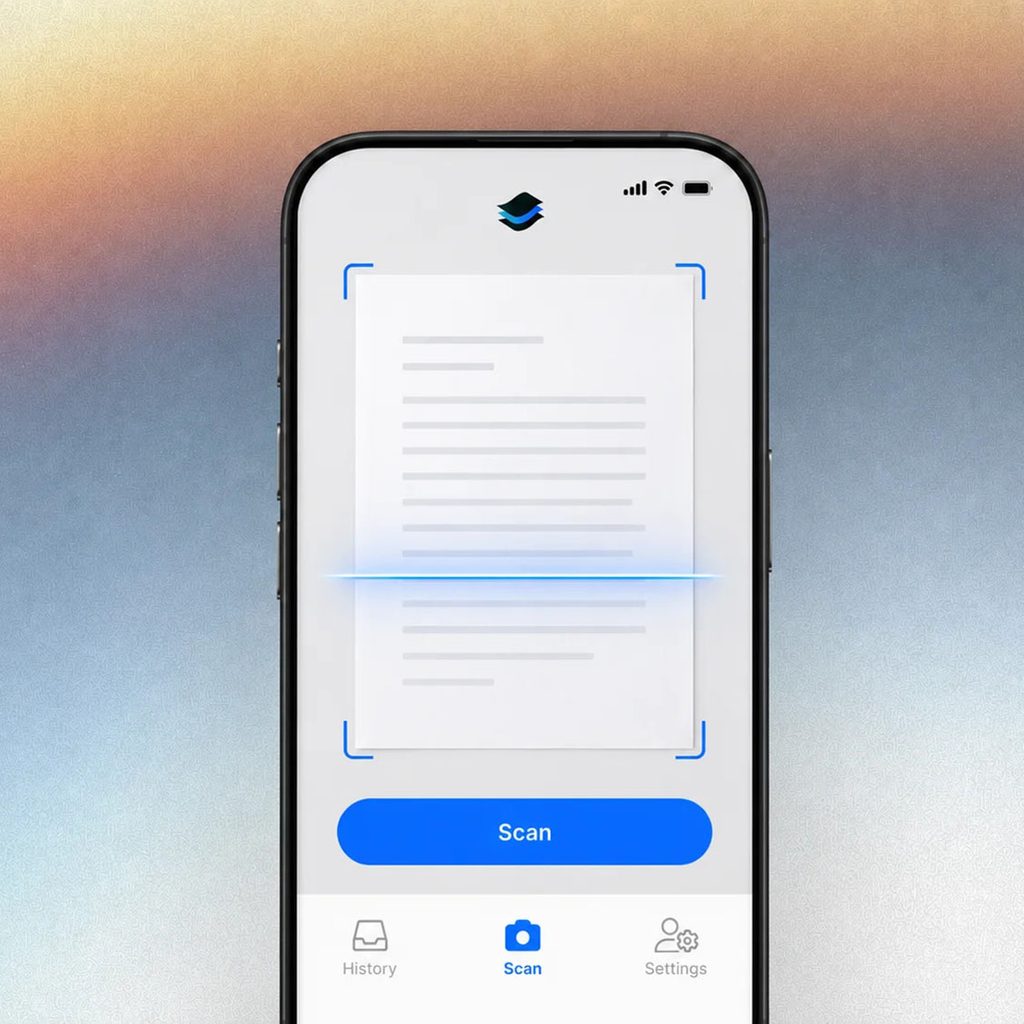
When reading documents, I often come across lengthy PDF files containing highly specialized information. This is particularly true of English-language materials. Even when I can understand the content, it still takes considerable time to organize the key points.
Scan.Plus AI Lite feels like a document assistant that is always available whenever I need it. It uses on-device AI to process documents, allowing me to quickly summarize page content, explain complex terminology, translate text, and ask questions about the information in a document.
I really like this interactive approach. Previously, whenever I encountered an unfamiliar technical expression, I would have to search for an explanation separately before returning to the original document. Now, I can simply ask questions about the material I’m reading, reducing the hassle of constantly switching between different tools.
What interests me even more is that it uses on-device AI processing, allowing relevant operations to be completed without uploading document data to the cloud. As someone who values the privacy of personal information, I find this approach reassuring. Alohi‘s exploration of this feature has also shown me the possibilities of bringing AI into everyday reading and document management.
2. Sign.Plus Print to Sign: Making Document Transfers Between Applications Easier
I often need to organize documents created in different applications. Sometimes, a file is already complete, but I still need to find a convenient way to initiate the signing process. Repeatedly saving, exporting, and uploading documents can make an otherwise simple task unnecessarily complicated.
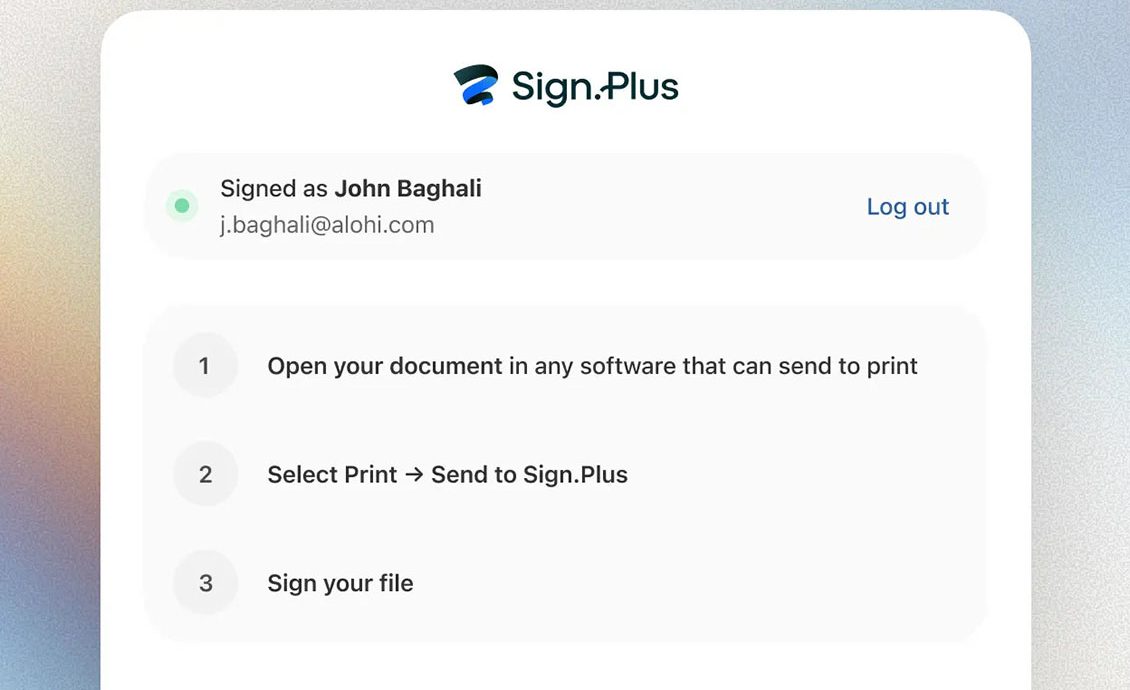
The Print to Sign feature in Sign.Plus strikes me as particularly practical. After installing the corresponding component, I can select Sign.Plus as a printer from applications on my computer and send documents directly into the signing workflow without going through the traditional printing process.
I especially appreciate how naturally this feature fits into existing work habits. Whether I’m dealing with an organized PDF or a document generated by another application, I can use the corresponding print option to move it into the signing process.
For me, the greatest advantage is the reduction in unnecessary steps. I don’t have to change my usual workflow significantly just to complete a straightforward document-related task. Through Sign.Plus, Alohi has shown me that truly convenient digital tools should adapt to users rather than constantly requiring users to adapt to them.
3. Fax.Plus for Microsoft Teams: Helping Me Keep Track of Important Information
I rely quite heavily on team communication tools because many work updates and important notifications need to be received promptly. When messages and updates are scattered across different platforms, it’s easy to overlook something important.
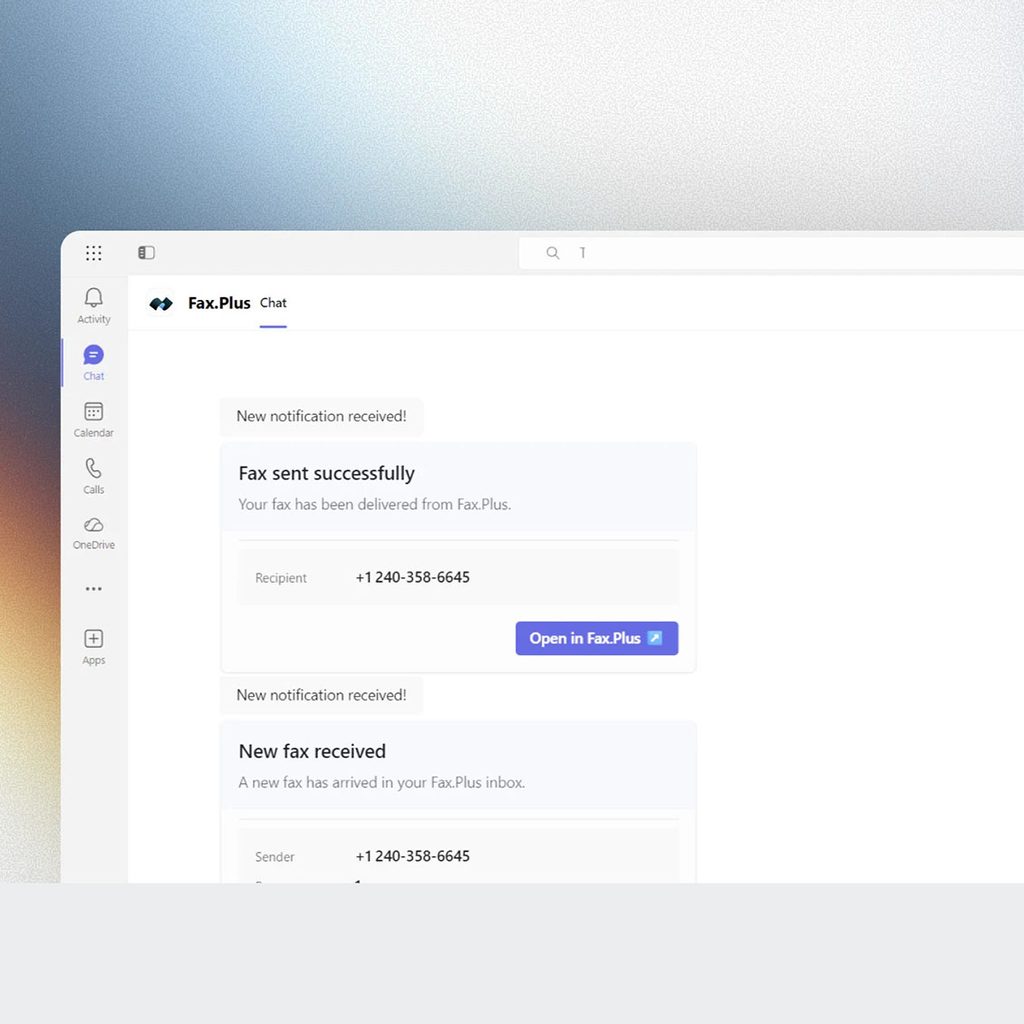
Fax.Plus for Microsoft Teams is one of the integrations that caught my attention during this exploration. It brings fax-related notifications into Microsoft Teams. When a new fax arrives, real-time alerts can be delivered through Teams channels, group chats, or individual conversations. I can also check the status of sent faxes.
I think this integration is particularly well suited to modern working environments. Previously, I might have needed to open several different platforms to check whether documents had arrived. Now, I can stay informed within a communication environment I’m already familiar with.
For me, the most important benefit isn’t simply having another notification channel, but making essential information easier to notice and follow up on. By connecting Fax.Plus with Microsoft Teams, Alohi has demonstrated the value of bringing traditional document communication into modern team collaboration.
4. Alohi Bundle: Giving Me More Flexibility in Choosing Productivity Tools
As my workload has gradually become more diverse, I’ve realized that relying on just one individual tool is no longer enough to meet all my needs. Sometimes I need to scan documents, sometimes I need to complete electronic signatures, and at other times I need solutions for communication-related tasks.
That’s why I’ve also started paying attention to Alohi Bundle as a combined solution. It brings together relevant products from the Alohi ecosystem to address different productivity needs, making it easier for businesses and teams to explore tool configurations that suit their actual workflows.
I particularly appreciate this more comprehensive approach to planning. Rather than constantly searching for separate tools across different platforms, I would much prefer to choose solutions based on my actual workflow requirements. For teams that regularly handle different types of document-related tasks, this kind of bundled approach can also help reduce the management burden caused by using too many disconnected tools.
In my opinion, the value of Alohi Bundle isn’t simply that it brings multiple products together. More importantly, it creates opportunities for different stages of everyday office work to become part of a more connected workflow.
Rethinking What Productivity Really Means
After taking a closer look at Alohi, my biggest takeaway is that productivity doesn’t mean keeping myself busy all the time. Instead, it means reducing unnecessary repetitive work as much as possible and saving more time for the things that truly matter.
From the on-device AI assistance offered by Scan.Plus AI Lite and the Print to Sign functionality in Sign.Plus to the Microsoft Teams integration in Fax.Plus and the combined solutions available through Alohi Bundle, I’ve discovered how Alohi is improving the digital workplace from several different perspectives.
I really appreciate this approach to product innovation, which focuses on real-world user needs. For me, good productivity tools shouldn’t simply offer a wide range of features. They should make everyday operations feel natural and help workflows run more smoothly.I’m looking forward to exploring more of Alohi‘s features in the future and discovering what other changes artificial intelligence can bring to digital productivity.





Leave a Reply